


FNAF Free Roam
Extracting files...
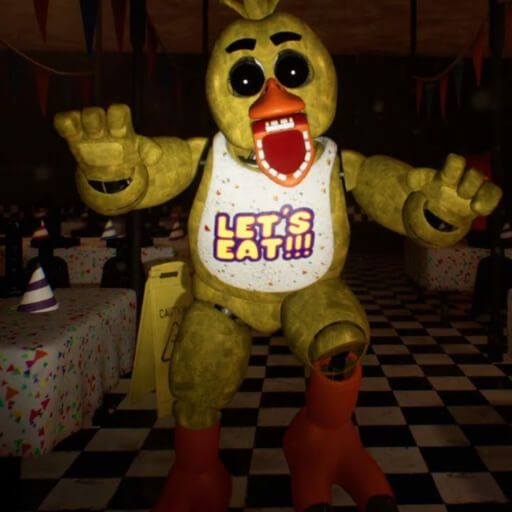
FNAF Free Roam
Continue Playing
Play FNAF Free Roam Online Free on Horror Scary Game
Your First FNAF Free Roam Run
Start FNAF Free Roam with a small lineup at low difficulty. Learn one threat before adding another, so your next mistake tells you something useful.
FNAF Free Roam: Build a Night You Can Survive
FNAF Free Roam starts with a choice: which animatronics do you want to face, and how difficult should the night be? Select characters from the grid, adjust the challenge, then press GO. A manageable lineup gives you room to learn; filling the board turns the same decision into a much tougher test.
How to start FNAF Free Roam
Click a character to inspect its options before you commit. The FNAF Free Roam menu includes shortcuts to set all characters to 0, 10, or 20. Start small instead of making every threat difficult on your first attempt.
Use the mouse for menu selections. Once the night starts, read the game prompts before guessing at the controls. A character you have not learned is a reason to slow down and watch what changes.
Make each FNAF Free Roam attempt useful
Keep the same lineup for a few attempts. If you change everything after a loss, it becomes harder to work out what went wrong. Raise one difficulty at a time and treat surviving a little longer as progress.
FNAF Free Roam suits players who like tuning a challenge and learning under pressure. Expect sudden scares, loud sounds, and repeated attempts as you get comfortable with the threats you picked.
FNAF Free Roam FAQs
Yes. Open FNAF Free Roam in the browser player above.
Select your characters, adjust their difficulty, and press GO on the menu.
Use a small number of characters at low difficulty. Add more after you understand the first threats.
Yes. Be ready for sudden appearances and loud audio.