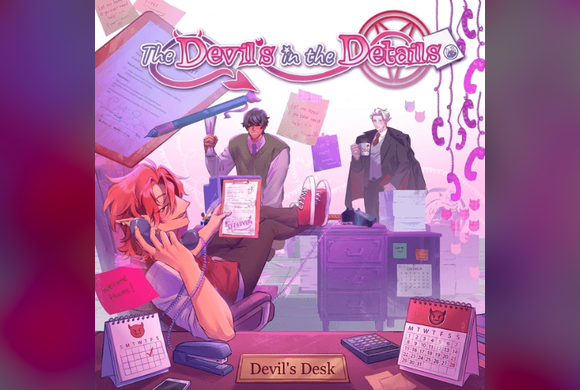
The Devils In The Details
Extracting files...
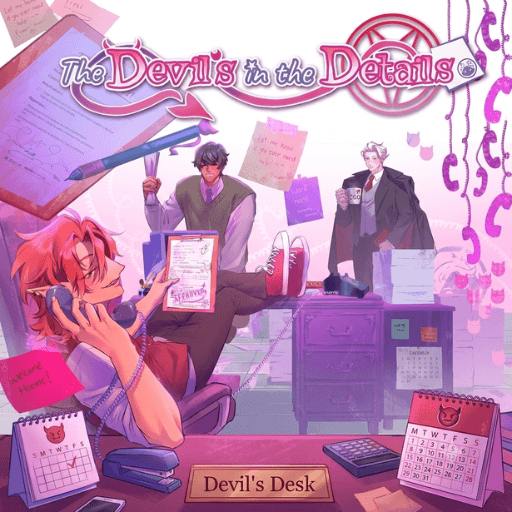
The Devils In The Details
Continue Playing
Play The Devils In The Details Free Online
Start The Devils In The Details
Choose Start and fill in your name badge. Open Work chat at the desk, then clear the timed paperwork on Day 2 to pick your Halloween date.
Play The Devils In The Details Free Online
The Devils In The Details gives you two shifts at Imperative Solutions, a contracting company in the underworld. You want Halloween night off. Meet the devils at work, ask your boss for the evening, then sort the paperwork before the clock runs out. Pick this if you like spooky office comedy, flirting, and a quick test of nerve before the date.
How to Start The Devils In The Details
Choose Start, write a name on your badge, and select he/him, they/them, or she/her. Click to advance the dialogue. When the office messenger opens, pick a reply and watch how your coworkers respond. Use Save before a scene you want to revisit, and Load to return to it.
When the desk appears, click the computer to open Work chat.
The Devils In The Details Route Through Both Shifts
- Day 1. Meet Cecil and Rowan in the office chat, then take your Halloween request to Kronos. You can have the evening off if you finish the work.
- Day 2. Get through the shift and reach the paperwork at your desk. Read the sorting instructions before you start the timer.
- Halloween night. Clear the stack before time runs out. The Devils In The Details then lets you choose Cecil, Rowan, or Kronos for the evening. Save at the partner selection if you want to see each ending.
How to Beat Paper Sorting in The Devils In The Details
The Devils In The Details gives you 30 seconds. Send properly stamped papers left with A or ←. Send unstamped papers right with D or →. You can drag the paper in either direction, too. Focus on whether the paper has a stamp. Each mistake costs two seconds. If you see Time's up!, advance to Try again to return to the start of the task.
Who Should You Pick in The Devils In The Details?
- Cecil turns your first day into an exchange of jokes and dares. Pick him if you want playful banter and a Halloween outing in costume.
- Rowan is the quieter coworker who offers help and gets excited about old horror movies. Pick him for a cozy evening with scary movies and pumpkin spice cookies.
- Kronos is the boss who decides your Halloween request. Pick him if you want to see how the imposing CEO acts away from your desk.
Is The Devils In The Details Scary?
The Devils In The Details is a Halloween romance with a horror setting. The unsettling part is the everyday office routine at a company that makes devil's bargains. Expect suggestive jokes, mild swearing, and drinking. Choose it for character conversations and a short burst of pressure when the paperwork starts.
The Devils In The Details FAQ
Pick the replies you want to hear play out. Clearing the timed sorting task opens the partner screen, where you choose the ending directly.
Use Gallery on the title menu to browse character illustrations for Cecil, Rowan, and Kronos. Use Load to return to a saved scene and play through its dialogue.